

Recent News from Columbia
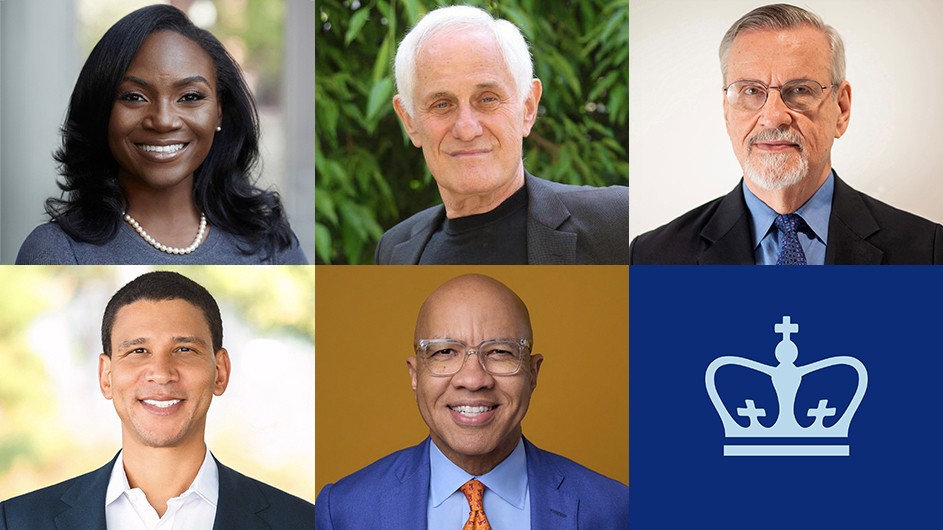
Statement From David Greenwald, Claire Shipman, Minouche Shafik, and Angela Olinto
We support the conversations that are ongoing with student leaders of the encampment, under the guidance of academic leaders. Our goal is a safe resolution of this crisis.
With Hybrid Brains, These Mice Smell Like a Rat
Columbia researchers have created mice with hybrid brains—part mouse, part rat—that sense odors with their rat neurons.
Morningside Campus Update
“The encampment raises serious safety concerns, disrupts campus life, and has created a tense and at times hostile environment for many members of our community. It is essential that we move forward with a plan to dismantle it,” wrote President Shafik.

Research & Discovery


Arts & Humanities

Co-writer Ann Cooper’s Newshawks in Berlin describes the perils of reporting from war zones.

The GSAPP professor’s outdoor sculptures advocate for the experimental preservation of U.S. embassies.

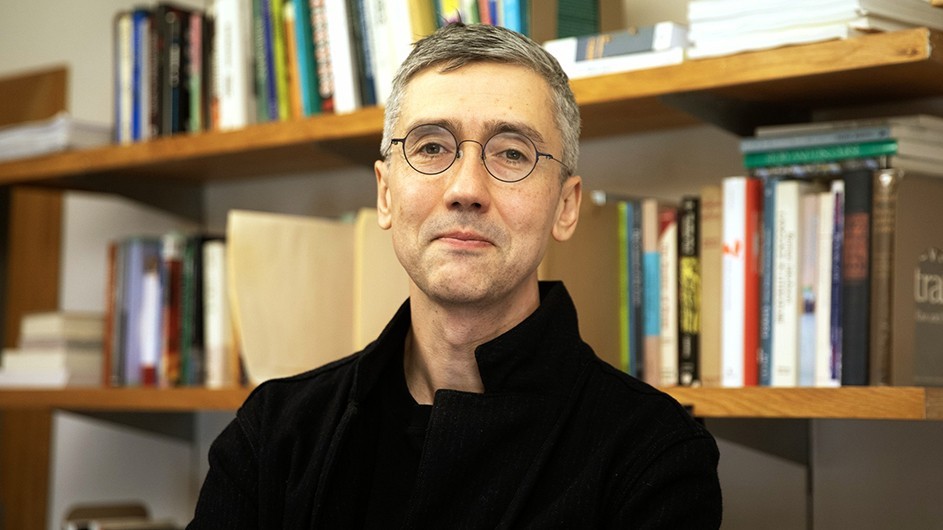
In his new book, Dennis Yi Tenen presents AI as a matter of collaborative labor history.
Campus & Community


National & Global Affairs


The event convened leading policymakers, scholars, and advocates to discuss a range of issues, from reproductive rights to gender equity in the workplace to technology-facilitated gender-based violence.


Columbia in the News
Los Angeles Times, April 19
NBC News, April 18
Quanta Magazine, April 16


