|
[an error occurred while processing this directive]
In order to
view video clips you need RealPlayer.
If you don't have
RealPlayer on your machine click
to download.
Entering the
Media Machine
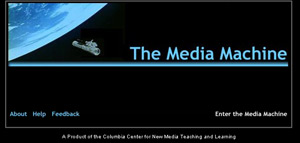
To enter The Media
Machine simply click "Enter the Media Machine"
on the entrance page http://db.ccnmtl.columbia.edu/mediamachine
.
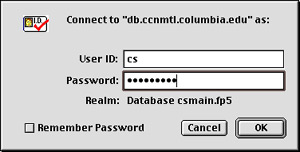
You will be prompted
for an User Name and Password. Professor Broughton
will distribute this information, [email protected]
Searching
the Media Machine
After entering
The Media Machine you will be able to search for video
clips by Director, Movie Title, Keywords and Themes.
Searching by
Title
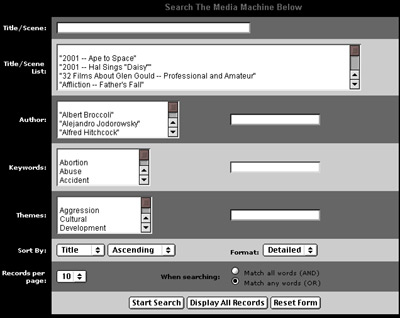
To search by title either type in the title of the
movie you are looking for in the title field () or
scroll through the title/scene list and select from
the available video clips. When you are ready to search,
select Start Search () from the bottom of the screen.
Searching by
Author/Director
To seach by the director of of a film simply select
the author/director from the Author List and select
Start Search from bottom of the screen.
Searching by Themes
Themes refer to the themes of John Broughton's
courses: Gender and Violence, Popular Culture and
Aesthetics of Technology. Each couse has distinct
themes noted in the syllabus. To search for a particular
theme select the theme form list provided or simply
type in the theme in the blank text field adjacent
to the list of themes. Then select Start Search ()
from the bottom of the screen.
Questions and
Problems
Please submit
all questions to Kristen Sosulski at [email protected]
|