Lesson 4: Brainstorming your project ideas with Inpiration9
What is Inspiration
Inspiration makes it easy to create webs, idea maps, mind maps, concept maps, graphic organizers, process flows, and other diagrams for thinking, organizing and writing. Use these proven visual thinking and learning techniques to brainstorm ideas, explore and explain relationships, and integrate new knowledge with what you already know. Inspiration encourages deeper, more critical thinking and that improves creativity, comprehension and retention.
Plan & Organize Written Work
Get organized and think through projects and assignments more effectively using Inspiration’s Outline View. Structure your work for planning and writing. Brainstorm and organize ideas. Gather and keep track of research information and develop a logical flow for written and oral communication. With Outline View, you can quickly develop main and supporting ideas and add detail helping you write to a purpose. Outlining, paired with the integrated visual views, lets you move seamlessly between visual and written expressions of your thinking to expand and refine ideas and produce quality work.
Use Inspiration for All of Your School Projects
Enhance & Improve Your Work
- Build vocabulary and accurately express your intended message with the Word Guide, an integrated dictionary and thesaurus.
- Include videos and record and play sound in your diagrams, outlines and presentations to add multimedia impact.
- Add hyperlinks to web pages, files and other Inspiration documents to gather research or organize larger team projects.
Share Your Work
- Print your work from Diagram, Map and Outline Views and from the Presentation Manager.
- Transfer your work to a word processor to streamline and support project completion.
- Save documents as PDFs.
- Use the Site Skeleton® export to transform diagrams into HTML web sites.
- Export diagrams and mind maps as .jpg, .gif, .png, .bmp or .wmf files to insert in other materials.
Use Inspiration to its Full Potential
- Templates provide guidelines and help you start projects quickly.
- On-demand Training Videos show you how to use Inspiration’s most commonly used tools.
- A built-in help system provides assistance when you have questions about how to use Inspiration 9.
- Examples give you ideas on how Inspiration can be used across the curriculum.
- Click in the following link http://www.inspiration.com/inspiration to download a free trial. If you have trouble opening the link, copy the internet address and paste it to your web browser (Explorer, Moxilla). Than press search.To learn more about the Inspiration project click on the following link http://cf.inspiration.com/download/pdf/insp_quick_start.pdf
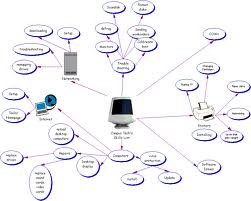
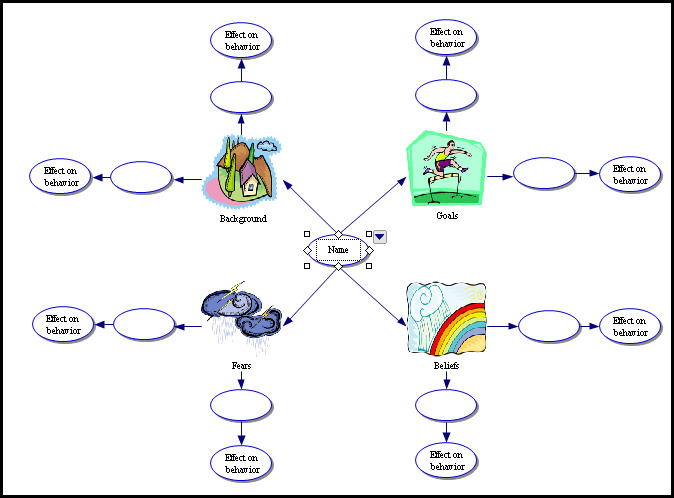
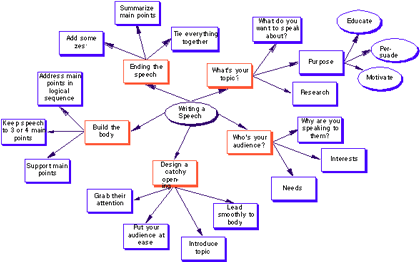
These are examples of how you can build a web of ideas for your Final Project
Click on the following picture for a tutorial on brainstorming