Career Online
Information Network:


an intranet system
September 2000
update
Career Online
Information Network:
an intranet system
September 2000
update
Introducing COIN:
Career Online Information NetworkAn Intranet System
The following provides you with a summary of the main features of the Columbia Business School COIN System. We have endeavored to provide you with some measure of detail on the system, yet we do believe that you will find the system to be user-friendly. Consequently, it is our expectation that you will have little difficulty navigating through the system once you have logged on. The contents that follow include:
Accessing COIN
The COIN Main Page
Recruiter Database: On-Campus Dates, Job Descriptions, Contact Names
Interviews & Bidding
Please note, because the system is periodically upgraded, there are certain locations on the intranet that are still under construction or not yet in use. These areas are noted in the document that follows.
Importantly, this intranet is "dynamic." We are constantly updating our lists with additional companies that have elected to come on campus, as well as reflecting information changes that recruiting companies may have requested. We, therefore, encourage students to actively utilize the system throughout the recruiting season. Because e-mail is also an important way in which the Office of MBA Career Services will contact you throughout the semester, be sure to check your e-mail at the very least once per day during recruiting. The most efficient way to contact us, currently, is by coming to Room 206 Uris, unless we indicate otherwise in our correspondence to you.
In addition to this introduction to COIN, you should be certain to obtain our handout on On-Campus Recruiting. That handout provides details on procedures and processes when dealing with our office. Additionally, an On-Campus Recruiting Calendar will be provided to you well in advance of the recruiting season.
ACCESSING COIN
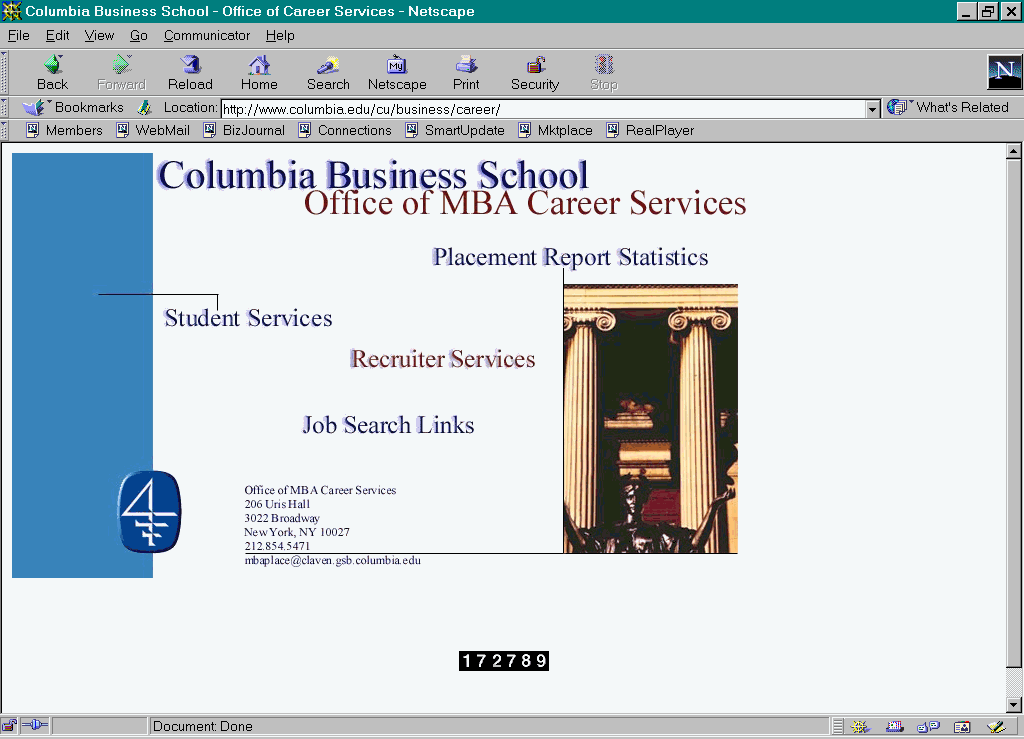
To utilize COIN, the Columbia Business School Career Online Information Network, go to the Career Services Home Page at http://www.columbia.edu/cu/business/career/.
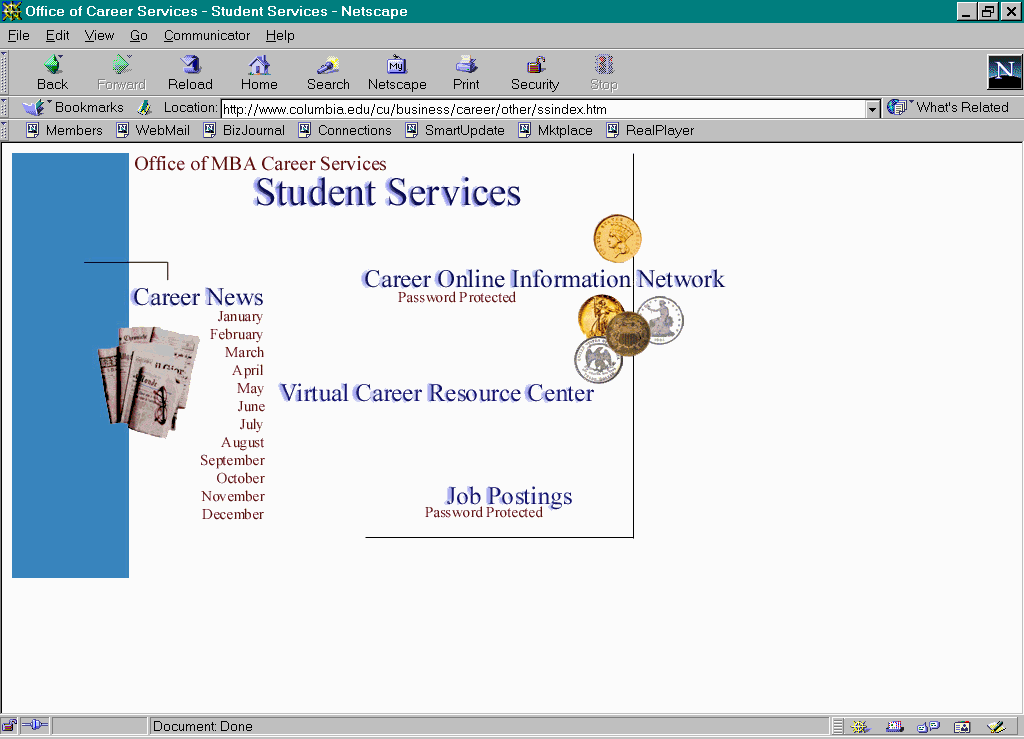
Once there, click on "Student Services" and find "COIN". You will be linked to COIN. Alternatively, you may go directly to the COIN site at its direct address http://www.gsb.columbia.edu/intranet .
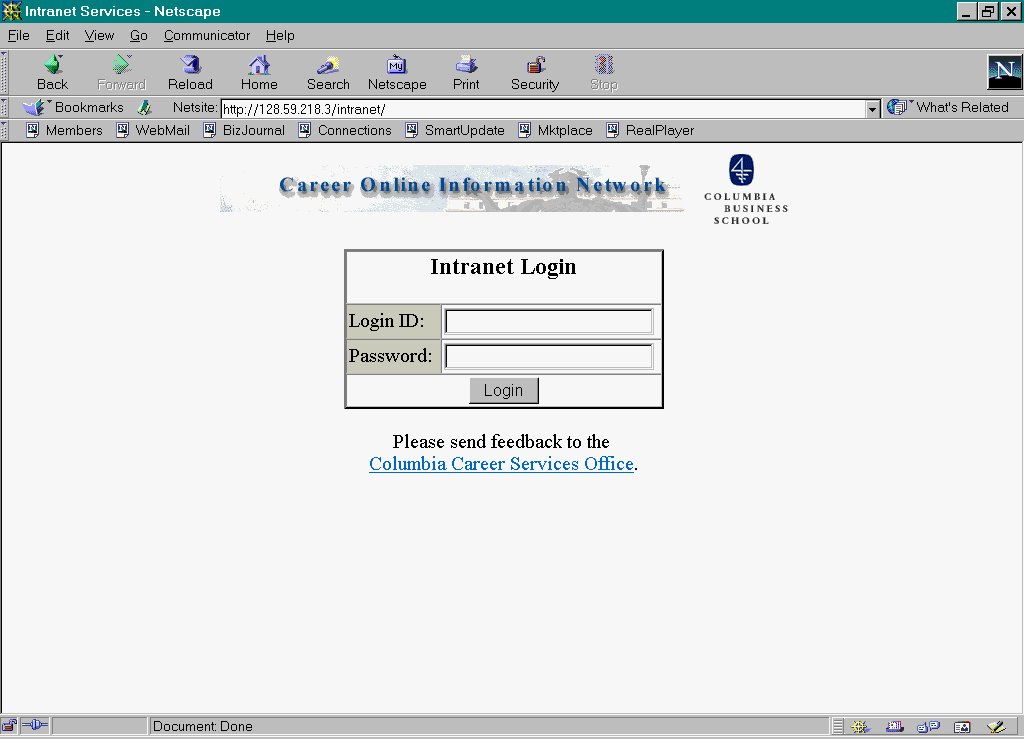
To log into the system, simply provide your business school network ID and password. If you have any problems logging on, contact the Office of MBA Career Services in Room 206. Note that the system tends to time out after a short period of inactivity as an added security feature.
The first time you log into the system, you will be asked to select a job type. Students graduating in February, May and October 2001 should be sure to select full-time jobs if they plan to participate in on-campus recruiting in Fall 2000. Students planning to pursue internships for Summer 2001 should select internships as their job type. You will also be presented with "Roles and Responsibilities." To go further on the system, you must acknowledge that you have read this section and will adhere to the policies and procedures set forth. In the future, should you wish to refer to these, you will find the site "Policies & Procedures" on the COIN Main Menu.
THE COIN MAIN PAGE
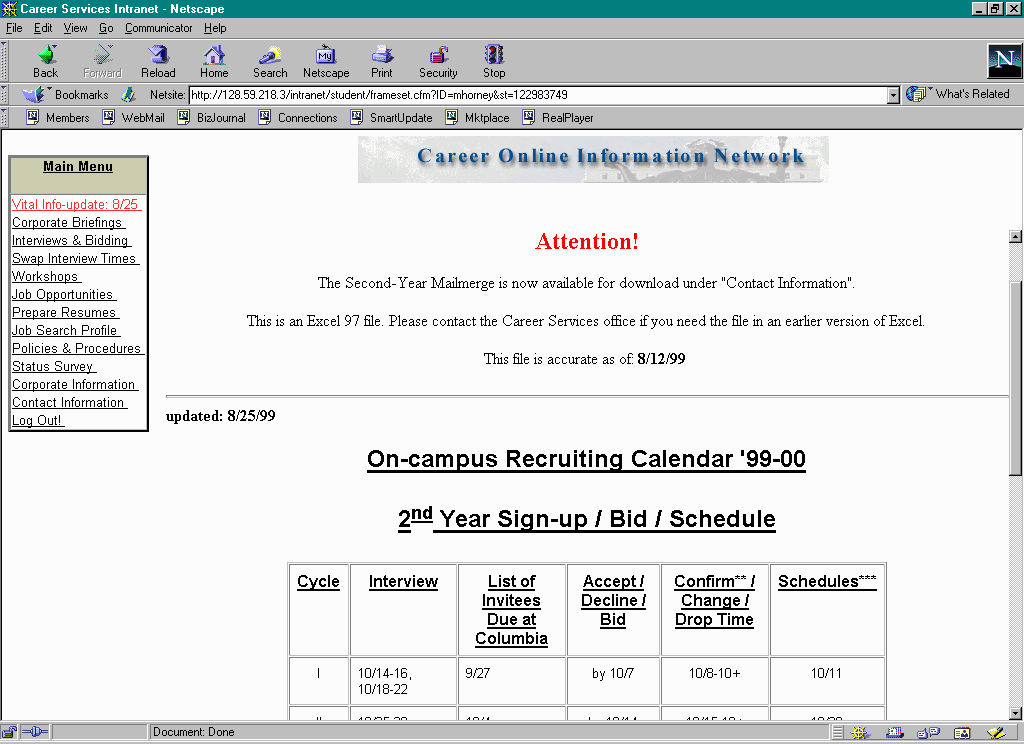
There are many features to the COIN system. Among them, you should note that the Intranet buttons in the "Main Menu" box at the top left side of the page can be selected to access assistance. Below are brief explanations and select screen shots of these menu items.
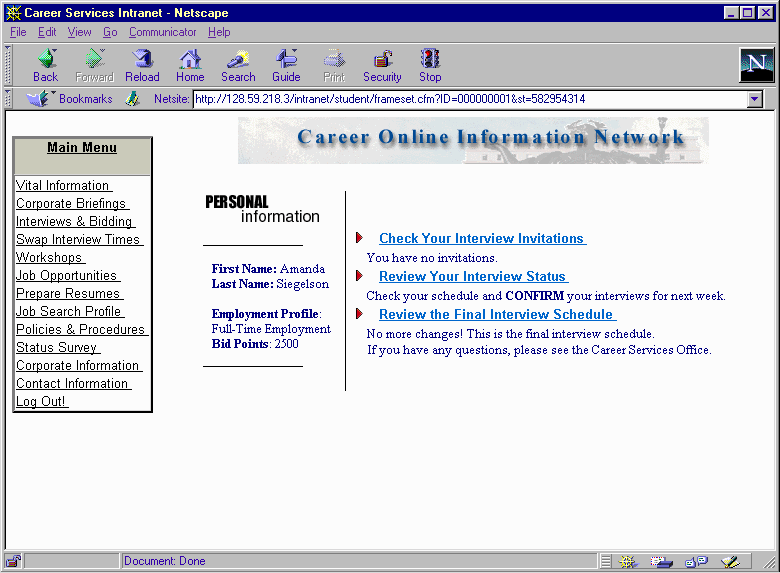 This menu item will access important late breaking information, such as changes to the bidding process or changes to company interview information. Make sure to visit this area each time you log onto COIN during the on-campus recruiting season. You will also find menu items that enable you to access help.
 Corporate Briefings
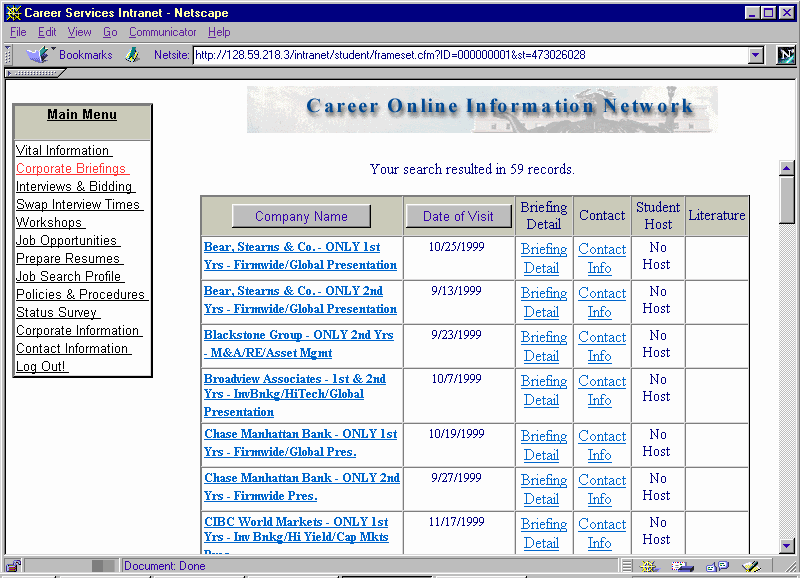
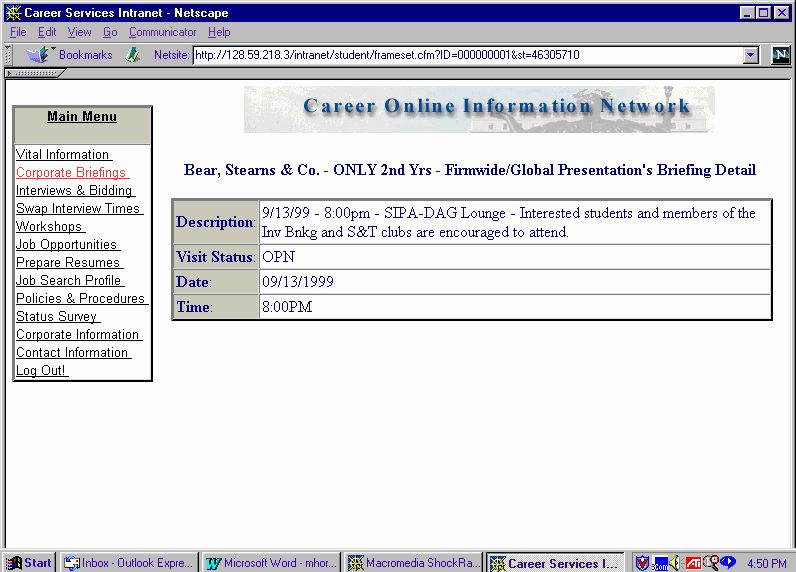
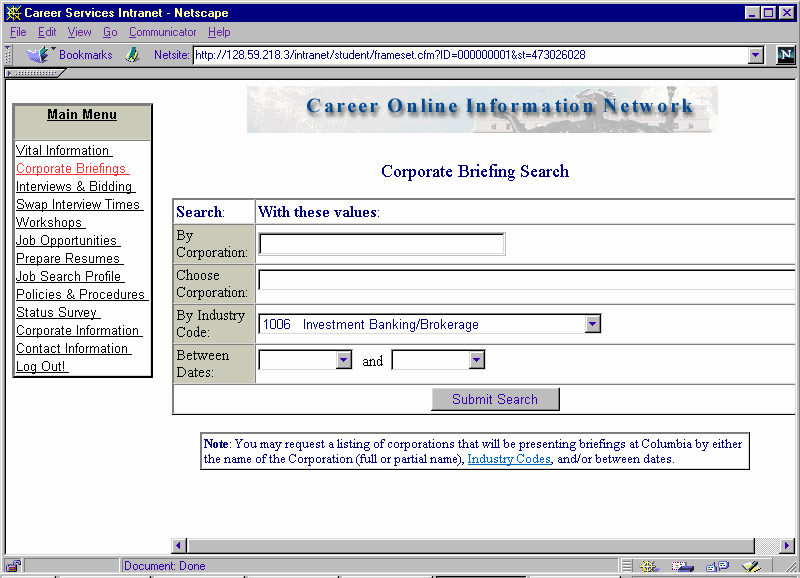 To access information on companies that will be presenting on-campus, click on this menu item. At this site you can either type in the company you are looking for, use the scroll list to search for presentations on specific dates, or search by industry. This will lead you to briefing detail that indicates location of the event and for whom the presentation is being given (e.g. first or second year students, etc.)
Accepting invitations to interview and bidding for a spot on an open interview schedule should be done on specific dates. The Office of MBA Career Services will provide you with a detailed calendar of these dates prior to recruiting. Review it carefully. Also note the more in-depth discussion (and screen shots) on Interviews & Bidding on subsequent pages.
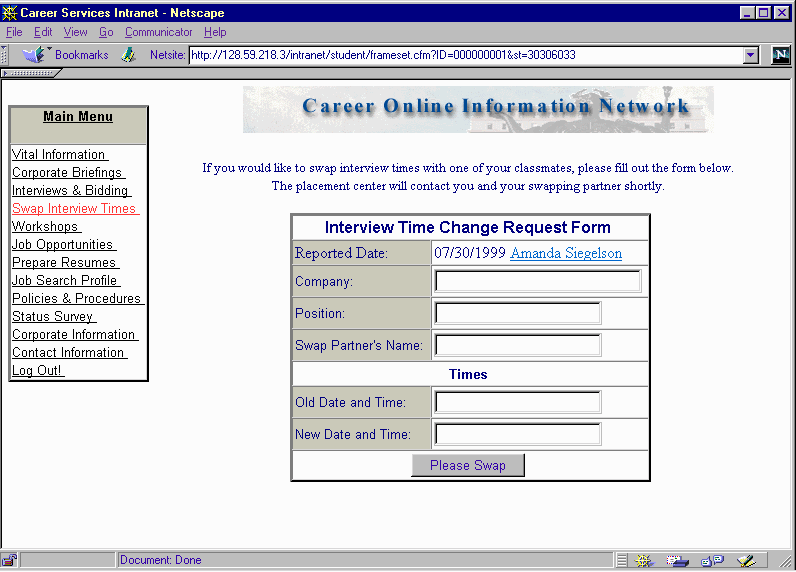
Once your interview has been scheduled, if you wish to change your time with another student you must click on this menu item. You must confirm with that other student that s/he is willing to switch. Then you both must submit an Interview Time Change Request Form. You will enter your current time and the slot you wish to have. One of our administrators ("TSAM") will get back to you to authorize the switch. There are scheduled days on which you can make such changes. Again, you must obtain an On-Campus Recruiting Calendar to ensure you do not miss the change period. (Note: If an interview slot is empty, you can simply double click on that spot to change your scheduled time.)
You can use this menu item to register for Career Services' Interviewing Skills and Presentation Skills Workshops as well as for select company events (e.g. on-campus office hours). A detailed workshop calendar and instructions for how to register will be provided to all students prior to the start of the workshop seasons in fall, spring, and summer.